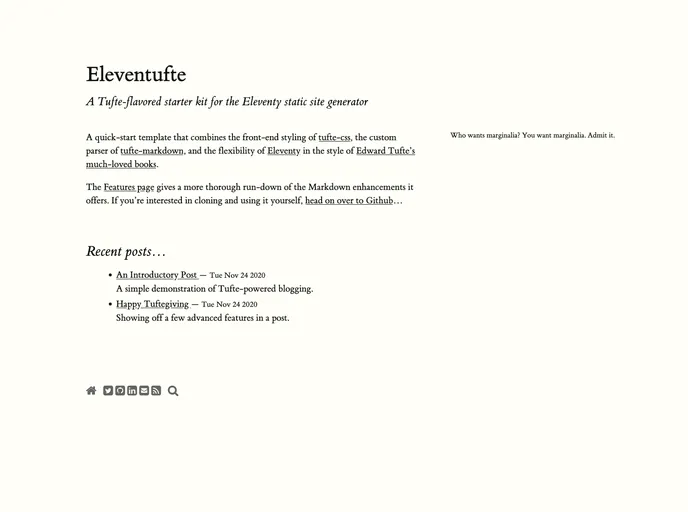
Eleventufte is a lightweight and customizable static site generator that combines the tufte-css CSS library and Webfont package with the tufte-markdown project to offer a Tufte-like blogging experience. It provides a simple home page, colophon and contact pages, individual post pages, an archive of posts by year, and several feeds for syndication. While it may not be suitable for a feature-rich blog, it is a great starting point for creating text-heavy content with footnotes, figures, and a sensible content hierarchy.
To install Eleventufte, follow the steps below:
Clone the Eleventufte repository from GitHub using the command:
git clone [repository-url]
Install npm packages by running the following command in the project directory:
npm install
Start the Eleventufte server by running the following command:
npm start
Access the Eleventufte site by navigating to http://localhost:8080 in your web browser.
Eleventufte is a static site generator that combines the tufte-css CSS library and Webfont package with the tufte-markdown project to offer a Tufte-like blogging experience. It provides features such as margin notes instead of footnotes, sensible image captions, and a simple home page, colophon, and contact pages. While it may not be ideal for a feature-rich blog, Eleventufte is a great option for creating text-heavy content with a focus on readability and aesthetics.