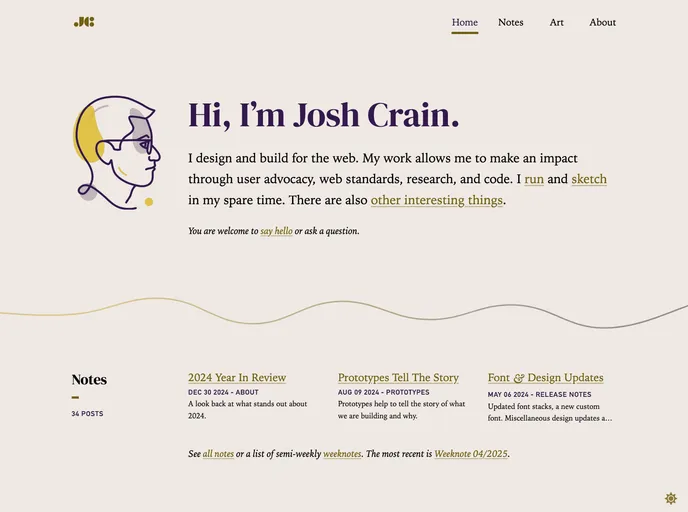
Josh Crain's personal site, built with Eleventy.
In this product analysis, we will be looking at the website of Josh Crain, which is built using Eleventy for static site generation. The site is automatically deployed by Netlify using continuous deployment. Josh Crain used an article from Filament Group as a starting point for building his site.
To install and use the theme used by Josh Crain, follow the steps below:
git clone [repository URL]
cd [project directory]
npm install
npx eleventy
_site directory. You can deploy it to your preferred hosting platform or use a local server to view it.Josh Crain’s website utilizes Eleventy for static site generation, Git for version control, and Netlify for continuous deployment. This combination of tools allows for efficient development and deployment of the website. By using an article from Filament Group as a starting point, Josh Crain was able to kickstart the development process and build a successful website.