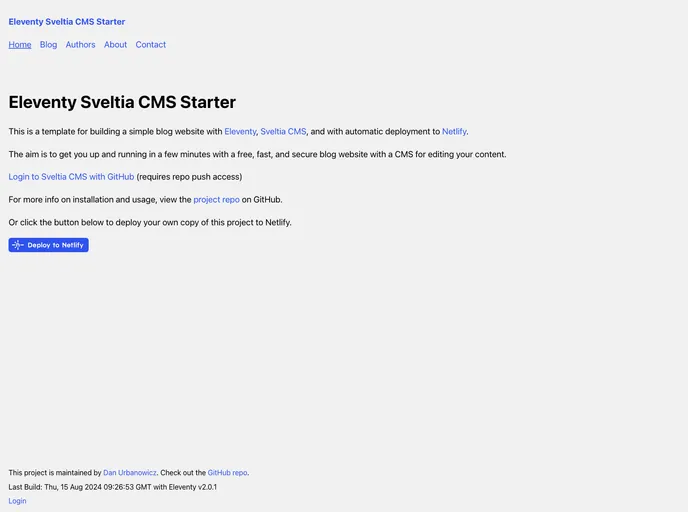
A template for building a fast Eleventy blog with Sveltia CMS, for deployment to Netlify
Overview:
The Netlify StatusEleventy Sveltia CMS Starter is a template for building a simple blog website. It utilizes Eleventy and Sveltia CMS and has automatic deployment to Netlify. The aim of this template is to provide a fast, secure, and easily editable blog website with a headless CMS.
Features:
- Scores 100/100/100/100 in Lighthouse tests
- Support for blog posts, authors, tags, and website pages
- Headless Sveltia CMS compatible with Netlify/Decap CMS
- Secure GitHub authentication (OAuth)
- Includes zero clientside JavaScript by default
- Eleventy Image (sharp) processor for responsive images in next-gen formats
- Contact form for Netlify Forms
- CSS 1kb minified, inlined for fastest page render
- Minifies your HTML too
- Optional pipeline for minified inline JavaScript
- Uses Nunjucks templates for layout
- Netlify continuous deployment (CD) workflow
Installation:
To install this template, follow the steps below:
- Clone this repository or press the “Use this template” button to create a copy in your GitHub account.
- Make a local copy of your new repository.
- Change directory to your local repository root folder and install dependencies using npm install.
- Open the “admin/config.yml” file and enter your GitHub repository details using the existing format, then push your changes.
- In your Netlify account, go to “Sites” > “Add new site” > “Import an existing project”. Connect to your GitHub account and select the new repository you created earlier. Netlify will choose a random site name for you, which you can change or use your own custom domain.
- Back in your local copy of the repository, edit the “_data/settings.yml” file with your site title, description, and Netlify site URL, then push your changes to GitHub.
- Once Netlify has deployed the changes to your site, go to “https://[your-netlify-site].netlify.app/admin/” and follow the steps to log in to the CMS with your GitHub account.
- You can now delete the sample posts and pages and create your own.
Summary:
The Netlify StatusEleventy Sveltia CMS Starter is a template that allows users to quickly set up a simple blog website with Eleventy and Sveltia CMS. It offers a range of features including support for various content types, secure authentication, image processing, and a contact form. Installation is straightforward, requiring basic knowledge of the command line and Git. Overall, this template provides a fast, secure, and customizable solution for creating a blog website with a headless CMS.