11ty + Twind Starter
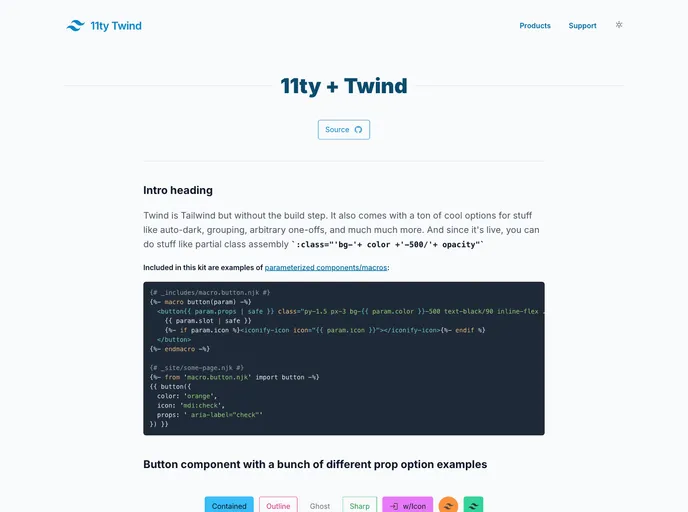
The 11ty-twind starterkit is a combination of two powerful tools, 11ty and Twind, that allows developers to easily build static websites. It leverages the benefits of esbuild, a fast JavaScript bundler, to enhance the development experience. With built-in features like auto dark mode, Iconify integration, and instant.page for faster page loading, this starterkit offers a comprehensive solution for creating modern static websites.
To install the 11ty-twind starterkit, follow these steps:
git clone <repository_url>
cd 11ty-twind
npm install
npm run build
npm run start
http://localhost:8080 in your browser to view the site.The 11ty-twind starterkit combines the power of 11ty and Twind to offer a seamless development experience for building static websites. With features like auto dark mode, Iconify integration, and instant.page for faster page loading, this starterkit provides a comprehensive solution for modern web development. Follow the installation guide to get started with this powerful toolset.